

Signing in
Each app starts at the same “Welcome to Lena” page: enter your email, choose Continue, then your password. New to Lena? The same page creates your account. See sign in or create an account.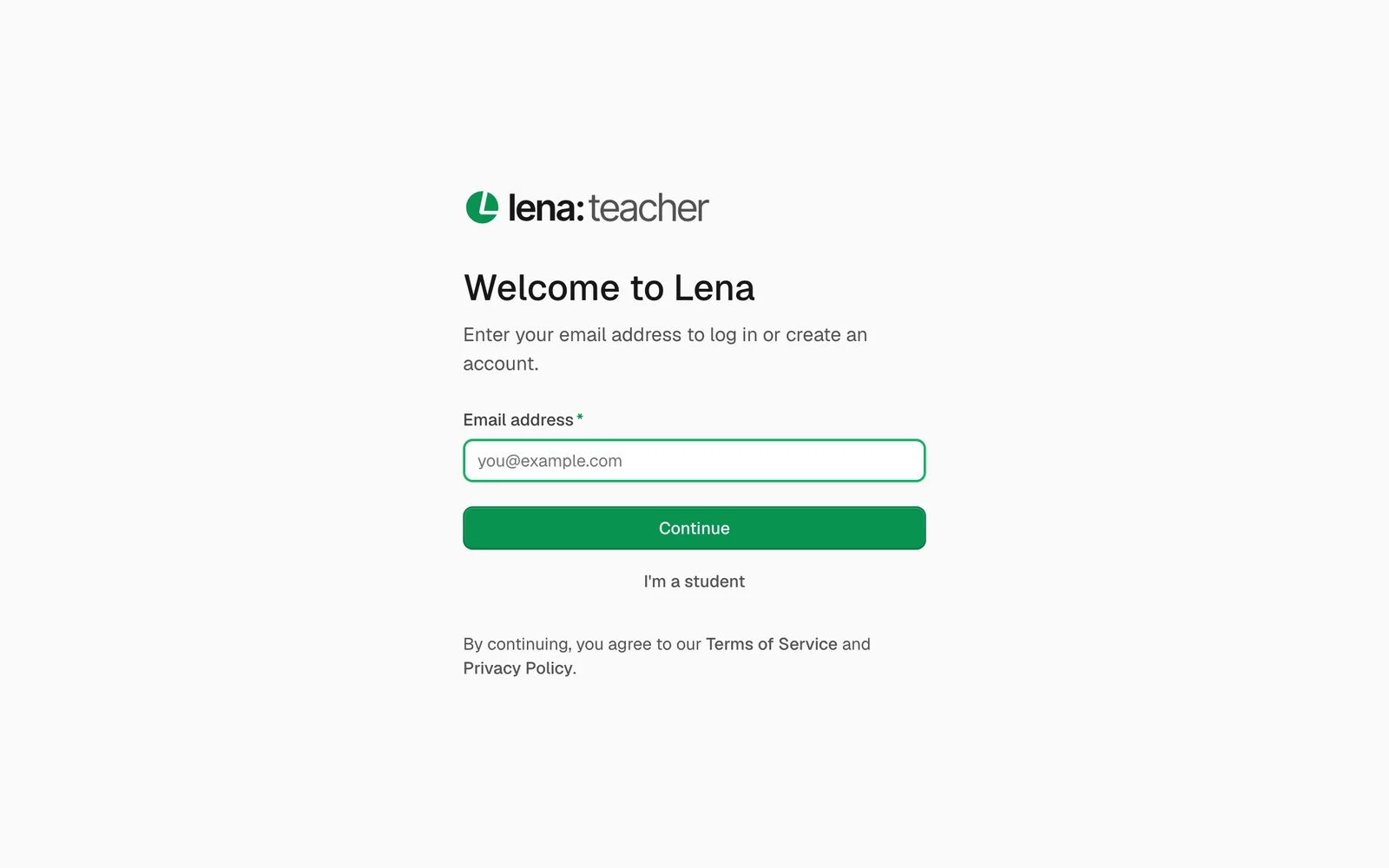
The sign-in page of Lena for Teachers, with its I’m a student link.
If you have more than one role
- A teacher who is also a school admin signs in to Lena for Teachers to teach and to Lena for Schools to run the school, with the same email and password.
- Someone who teaches at one school and studies at another uses Lena for Teachers for the first and Lena for Students for the second, with one account.
- Inside an app, you choose which school you’re working in. See schools and profiles.
On your phone
All three apps work in your phone’s browser at the same addresses, and you can do everything there.- You can add any of them to your home screen, so they open like any other app, even without a connection. See Lena on your phone and offline.
Help from inside the apps
In every app, open the account menu (your picture, top right) and choose Support. Help center opens this site. Contact support opens an email to support@lena.africa. See contact support.Next
Sign in or create an account
Your email, a password, and a code the first time.
Schools and profiles
Join a school, and switch between schools.