The three Lena apps, who each one is for, and how they work together.
Lena is one place where a school runs its courses, coursework, exams and grades. It has three apps: one for school
admins, one for teachers and one for students. It works for schools from kindergarten to postgraduate.
Lena for Schools
For the people who run a school. Set up your structure, bring in students and lecturers, give admins the right
access, and see how students use Lena.
Lena for Teachers
Create courses, share materials, set assignments, quizzes and exams, grade with rubrics, and release results when
you’re ready.
Lena for Students
Join your courses, read materials, hand in work, take quizzes and exams, and follow your grades.
Lena Agent
An assistant inside Lena for Teachers. It does the routine work in your courses, and you check it before anything
important happens.
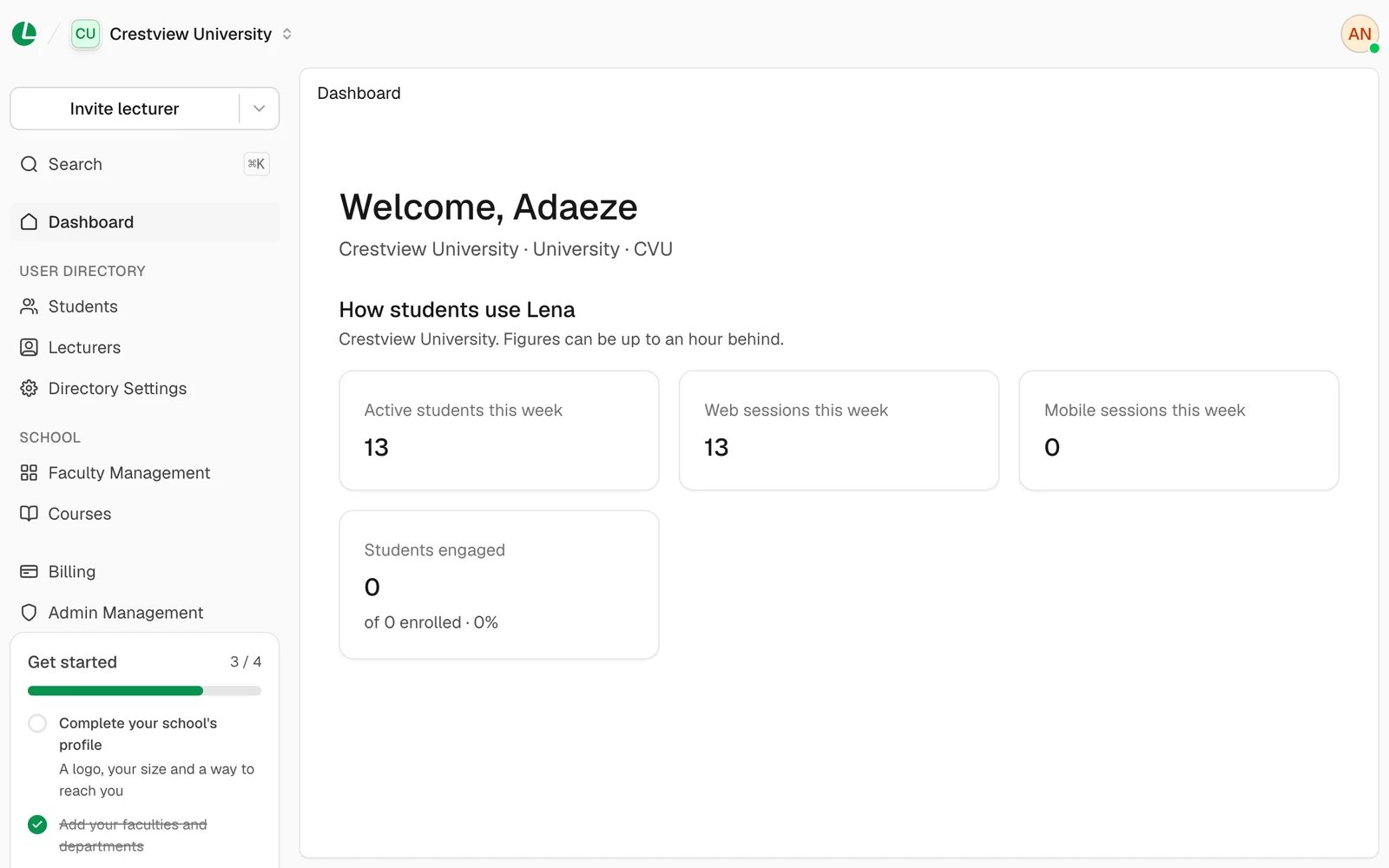
An admin creates the school in Lena for Schools, adds its structure (at a university, faculties, departments and
levels), and invites or imports its lecturers and students.
The dashboard in Lena for Schools.
2
Teachers teach
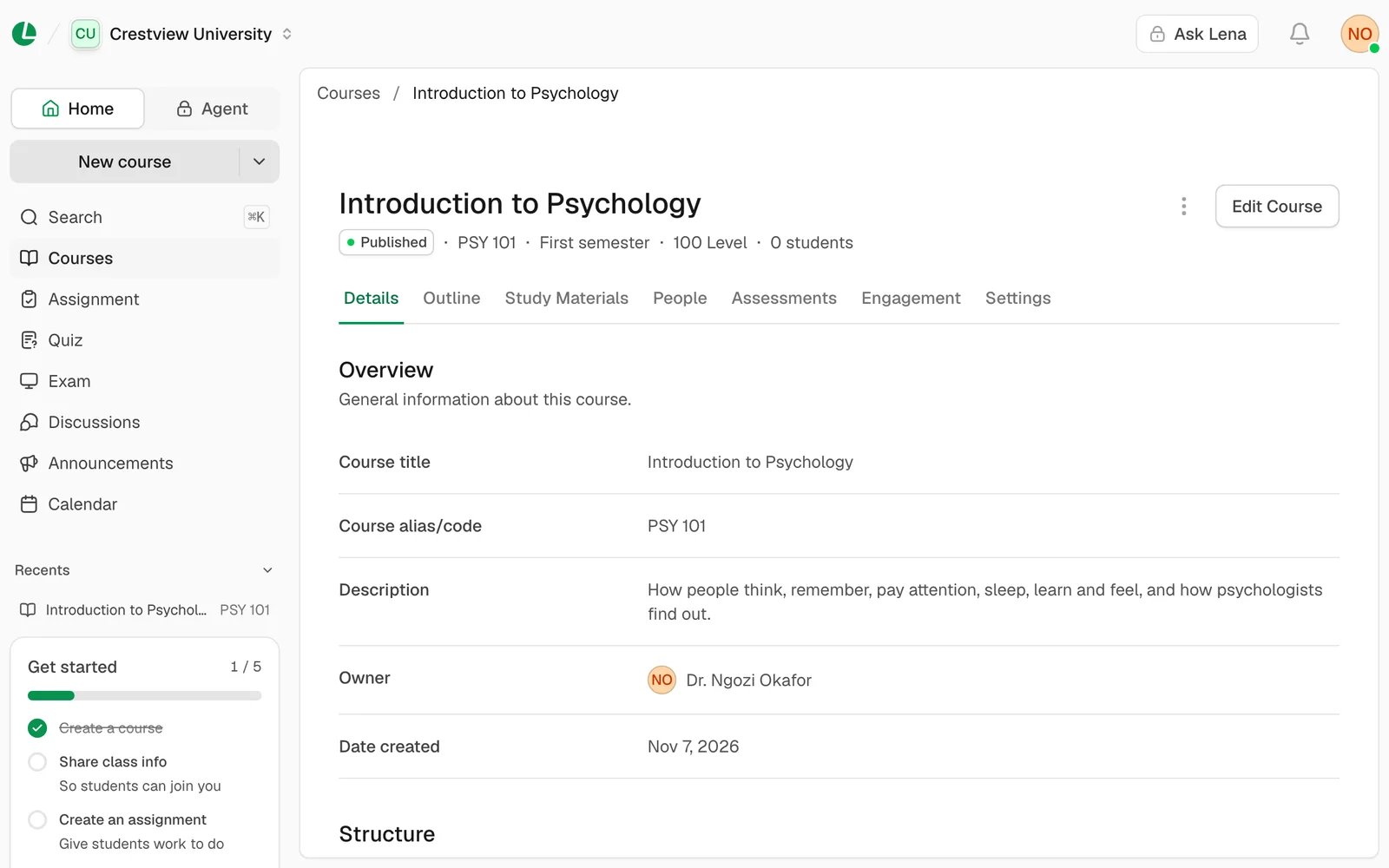
A lecturer such as Dr. Ngozi Okafor creates a course, “Introduction to Psychology” (PSY 101), chooses which
students can join, and publishes it. Then she adds materials, assignments, quizzes and exams, and grades the work.
A published course in Lena for Teachers.
3
Students learn
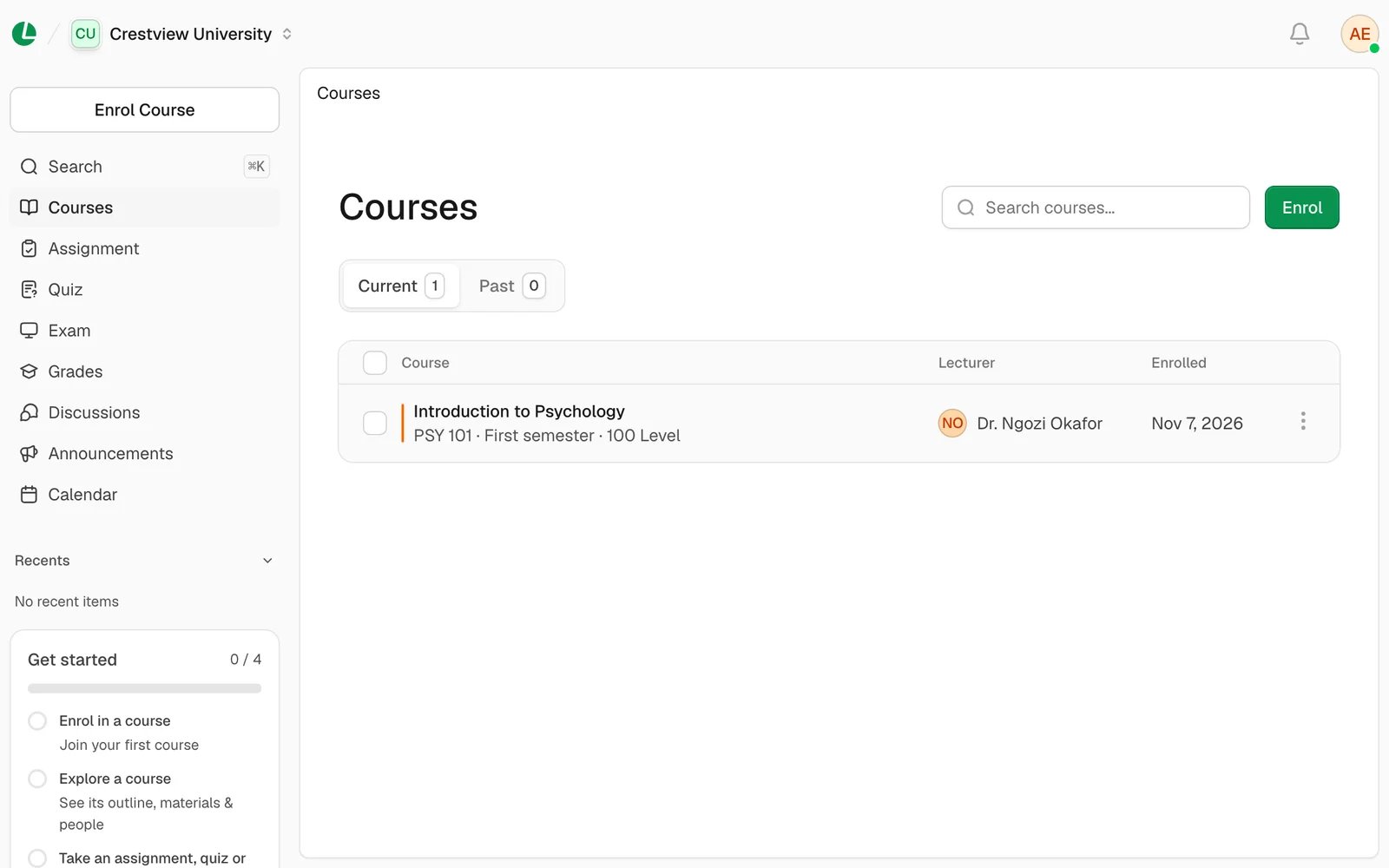
Students such as Amaka Eze join the course with its entry code, or from the list of courses they’re eligible for.
They read the materials, hand in work, and see their grades once they’re released.
A student’s courses in Lena for Students.
4
The school sees the picture
Back in Lena for Schools, admins see every published course, who teaches it, who’s enrolled, and how much students
are taking part.
One account works everywhere. The same email and password sign you in to all three apps. If you teach at one
school and study at another, you still have one account. See schools and profiles.
It works on your phone. You can do everything on a phone, add the apps to your home screen, and keep working
when the connection drops. See Lena on your phone and offline.
Lena speaks your school’s language. A K-12 school sees “subjects”, “teachers” and “grades and arms”; a university
sees “courses”, “lecturers” and “faculties”. See words your school uses.
Lena’s team switches Lena Agent on for each school. If Lena for Teachers says “Lena Agent isn’t on for your
school”, choose Request access. Students don’t use the agent.