

A quick tour
When you open Lena, you land on Courses. It lists the courses you’re in, with their code, term and lecturer. Open a course to see everything in it.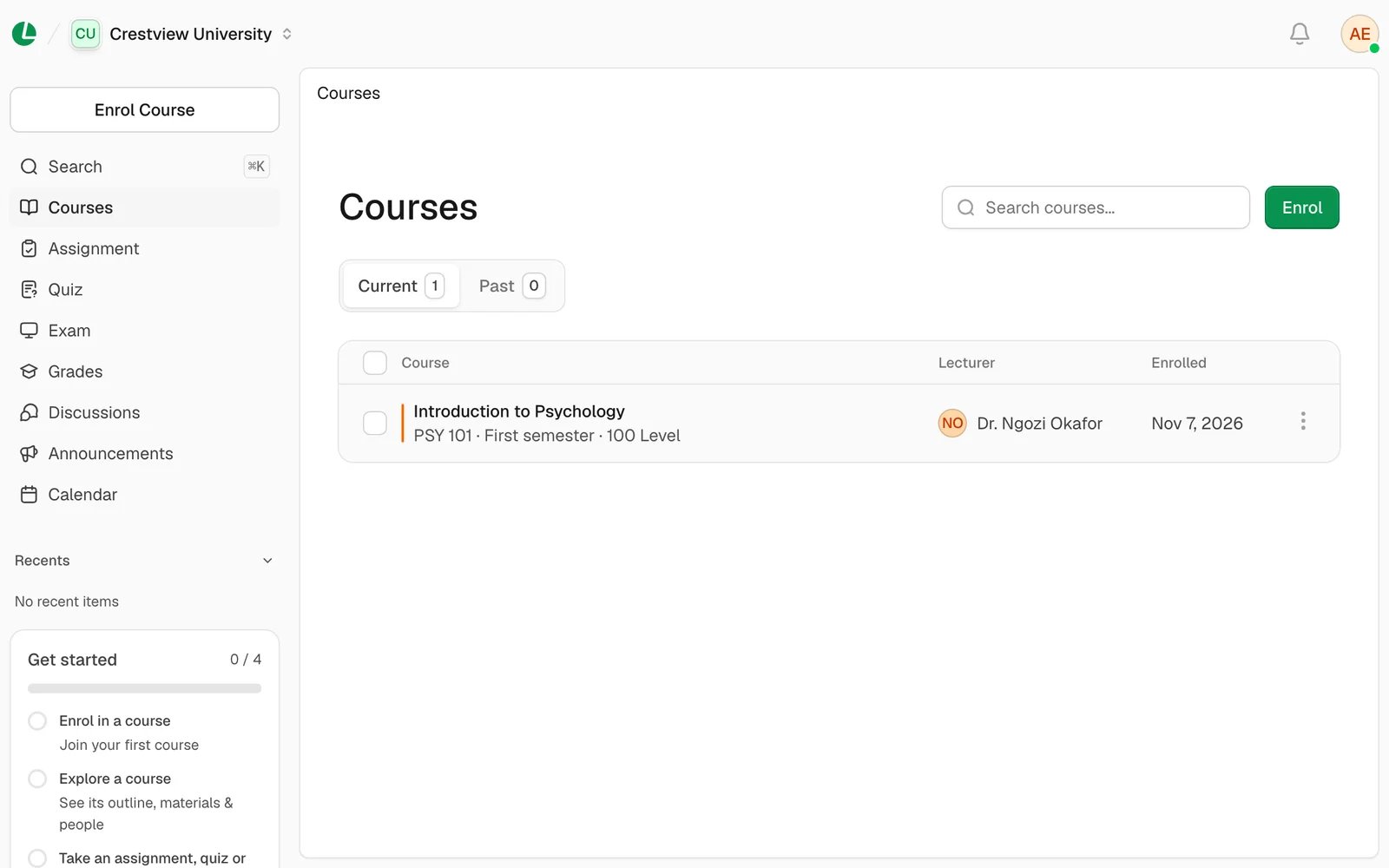
Courses is the first thing you see. The sidebar on the left takes you everywhere else.
- Enrol Course: join a course, from your list or with a code.
- Search: jump to any of your courses or any part of Lena. On a laptop, press ⌘ K (Mac) or Ctrl K (Windows) to open it.
- Courses, Assignment, Quiz, Exam, Grades, Discussions, Announcements and Calendar: each one shows that kind of thing from all your courses together.
- Recents: the courses, assignments, quizzes and exams you opened last.
- Get started: a short checklist for your first days. It helps you join a course, look around it, open your first piece of work and read a discussion or announcement. It goes away when you’ve done them all, or when you choose Dismiss checklist.
On your phone
On a phone, the sidebar is hidden in a menu. Tap the menu button at the top to open it. Search is in there too. Inside a course, the tabs become a menu at the top of the page.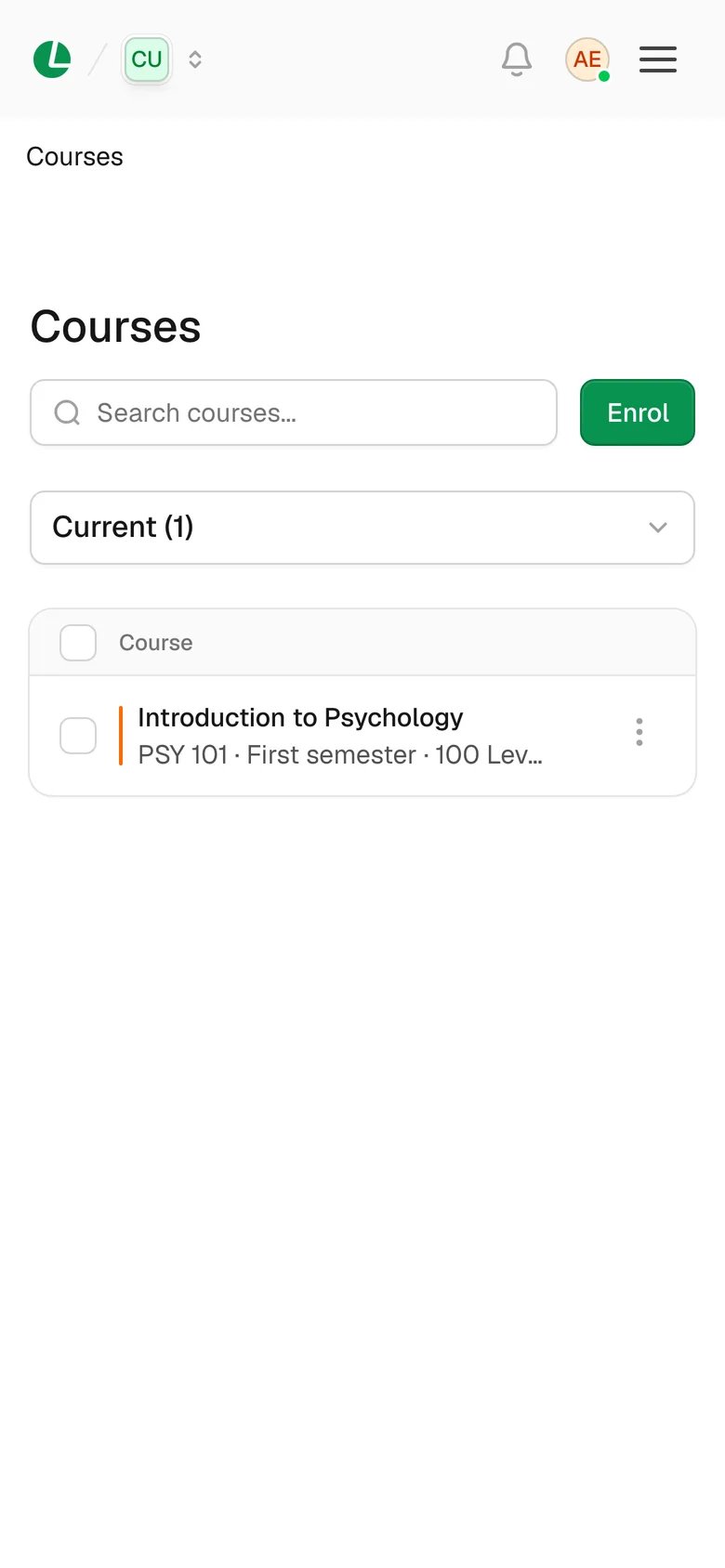
On a phone, the menu button opens the full sidebar.
Start here
Get started
Sign in with the details your school gave you, or sign up and join your school.
Join a course
Pick from the courses you’re eligible for, or enter your lecturer’s code.
Learning
Courses and study materials
Read the outline, open notes and slides inside Lena, and see who’s in the class.
Assignments
Read the question and rubric, then hand in your work.
Quizzes
Take graded and practice quizzes, and see how the timer and rules work.
Exams
Know the rules before you sit a computer-based exam.
Progress and your class
Grades
See your total for each course, what counts, and your feedback.
Discussions and announcements
Read what your lecturer posts and talk with your class.
Calendar
Your classes and deadlines by day, week or month.