Sign in with the details your school gave you, or sign up yourself and join your school.
There are two ways into Lena for Students. Your school may have added you already and given you your sign-in details.
Or you can sign up yourself and join your school. Both start at student.lena.africa.
Your school added you
Sign up yourself
Your school gives you your sign-in details: your email address and a first password. They may come by email or from
your school office. Don’t share them with anyone.
1
Enter your email
Go to student.lena.africa, enter the Email address your school has for you,
and choose Continue.
One screen for everyone: Lena works out whether you’re signing in or signing up.
2
Enter your first password
Type the Password your school gave you and choose Continue.
3
Choose your school
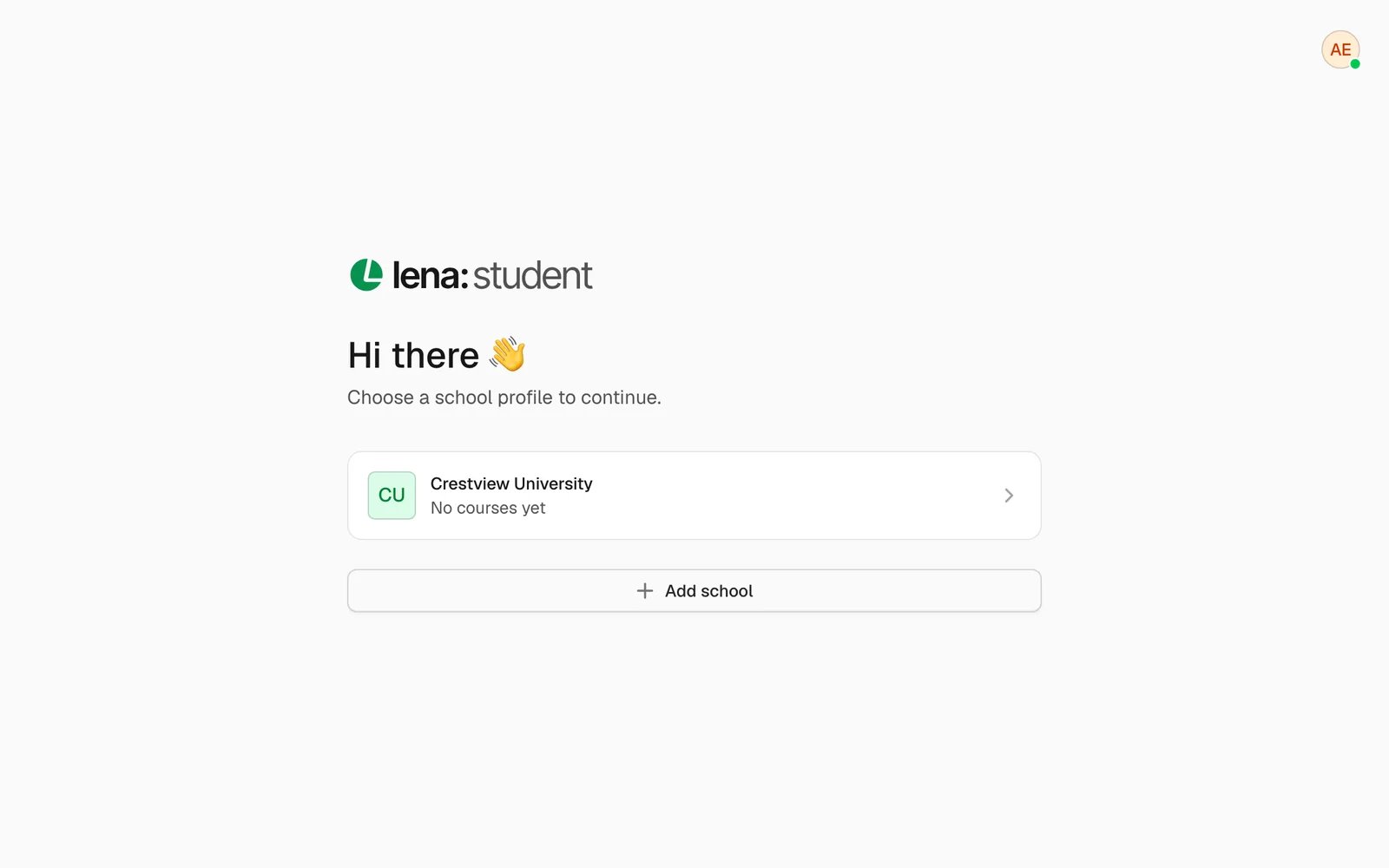
Choose your school’s card. You land on Courses.
4
Change your password
Do this first. Open your account menu (your picture, top right) and choose Settings. Go to Account →
Change password. Enter your current password and a new one, then choose Update password.
If your school hasn’t added you, you can make your own account and join your school. You need an email address you
can open.
Lena emails you a 6-digit code. Type it in. No email? Look in your spam or junk folder. You can also choose
Resend when it appears under the code boxes.
3
Add your details
Enter your First name, Last name and a Password, then choose Create account.
4
Add your school
Choose Add school, then search for your school in School. More boxes appear one at a time. What you
fill in depends on the kind of school:
School
You fill in
University
Faculty, Department, then Level and Matric number if they apply
K-12
Grade, then Arm and Class number if they apply
Other
Program, plus Cohort and Group if they apply
Adding Crestview University on a phone: faculty, department and level.
5
Join it
Choose Join school. You’re in straight away: nobody has to approve it. Choose the school’s card to go in.
Then join your courses.
One Lena account can belong to more than one school. After you sign in, you see a card for each school. Choose the one
you want.
Each school card shows how many courses you’re enrolled in there.
To move to another school later, use Switch school at the top of the page. On a phone, tap the school’s picture
instead. It lists your schools, All schools and Add school. Choose a school to go to its courses.
Your password needs at least 8 characters. Use capital and small letters, plus a number or symbol. Lena won’t
accept a password that’s too like your name or email, a very common one, or one made only of numbers.
A sign-up code only works for a short time. If yours doesn’t work, choose Resend.
Your place in the school matters. Your faculty, department and level (or grade and arm) decide which courses and
exams Lena shows you. If they’re wrong, fix them in Settings → School.
To leave a school, go to Settings → School and choose Leave school. You’ll need your password.
More on signing in, codes and forgotten passwords: sign in to Lena.
Check it against the sign-in details your school gave you. If you’ve already changed it, use your new password. Or
choose Forgot password? to set a new one. Still stuck? Ask your school to check the email address it has for
you.
I can’t find my school in the list
Type part of its name and wait a moment for the list. Schools you’ve already joined aren’t in it. If your school
still isn’t there, it may not be on Lena yet. Ask your school office.
“This faculty has no department to choose from yet.”
Your school hasn’t added all its departments yet. Check you chose the right faculty. If you did, ask your school
office to add your department.
“You’re offline — reconnect to load schools.”
You need the internet to see the list of schools. Reconnect and try again.