

Choose what people can change
1
Open Directory Settings
In the sidebar, under User directory, choose Directory Settings.
2
Turn switches off or on
Every switch starts on, which means people can change that detail.
- Students: Name, Email, Faculty, and Department and level. A K-12 school sees Grade and arm instead, with no faculty.
- Lecturers: Name and Email.
3
Save
Choose Save changes, or Discard to undo. The buttons appear once you change something.
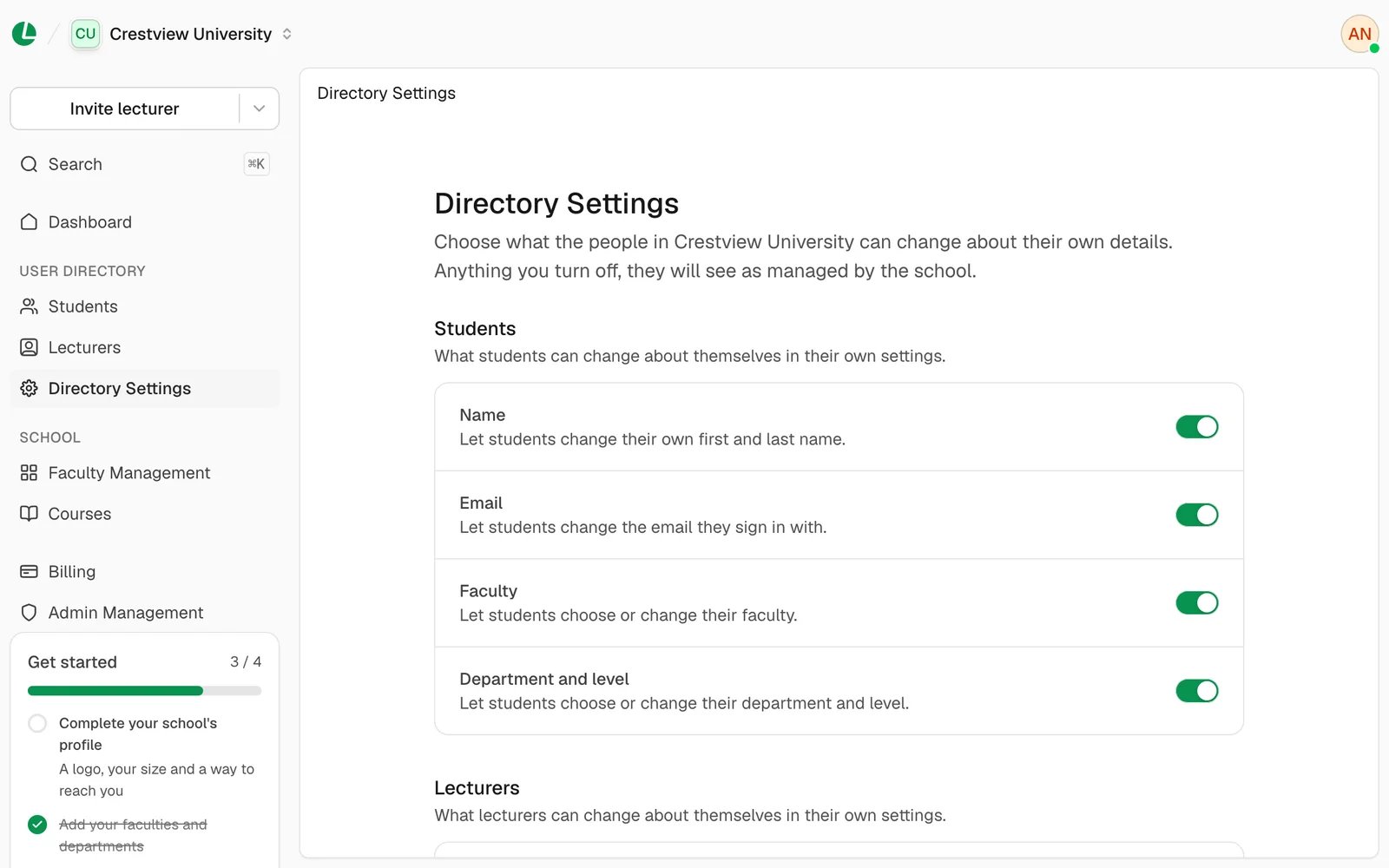
Directory Settings, with a switch for each detail.
Good to know
- You can always change a student’s place yourself, from Students. Admins can’t change a student’s name or email.
Next
Students
Edit and move students yourself.
Lecturers
Set a lecturer’s title.